A neat feature of the Publishing features is being able to see the items related to a page. To see this, go the the Site Actions Menu > Manage Site Content and Structure.

You should then see a window like this:
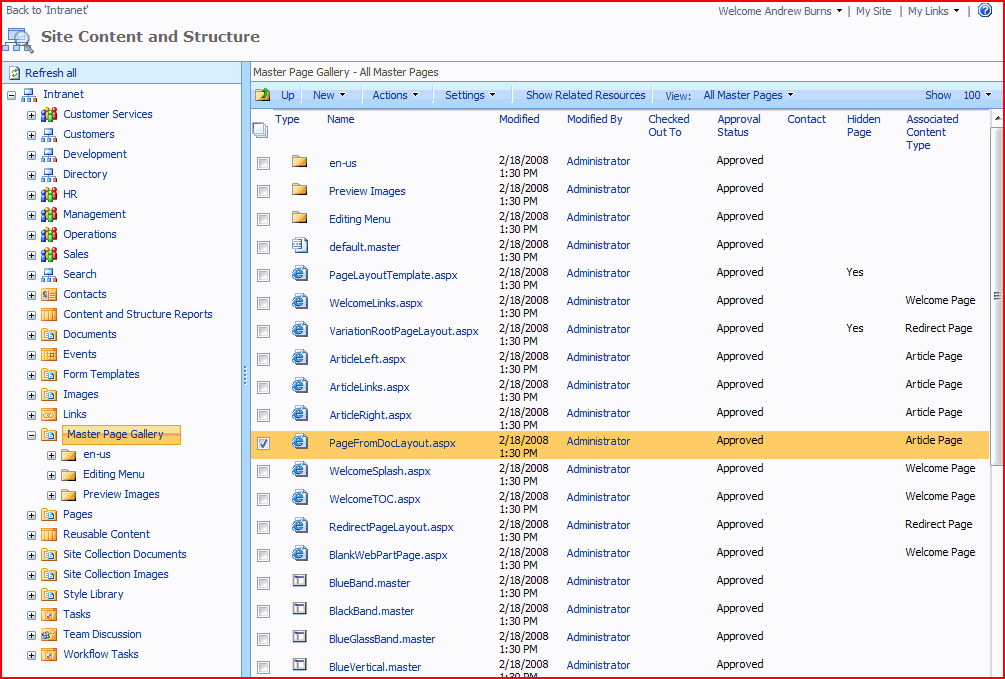
Use the left pane to browse your site collection, and the right one to select the item you want to see the related items for. Then click the ‘Related Items’ button:
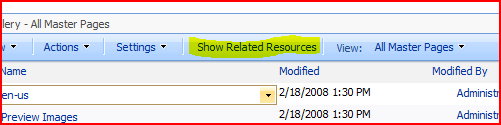
This should then show you the page with a third pane, showing the related items and the nature of their relationship, where they’re located, and so on…

 Andy Burns' Blog
Thanks! That was such a useful tip!
Posted 5 years ago. Just saved me today. Awesome.
Just in case anyone is wondering, SharePoint 2013 still has this feature, just slightly different location. To find it, go to…
Site Settings -> Site Administration -> Content and structure
Thanks again, just made my life a whole lot easier
Will show what pages a page links to (Uses) but not which pages link to a page (Used By).